
AI
How to Build an Enterprise AI Strategy: A Practical Roadmap for 2026
A business-led guide to moving from AI opportunity to practical, secure and scalable enterprise execution.
October 1, 2026Read Brief
HyperCode
Technology Consulting
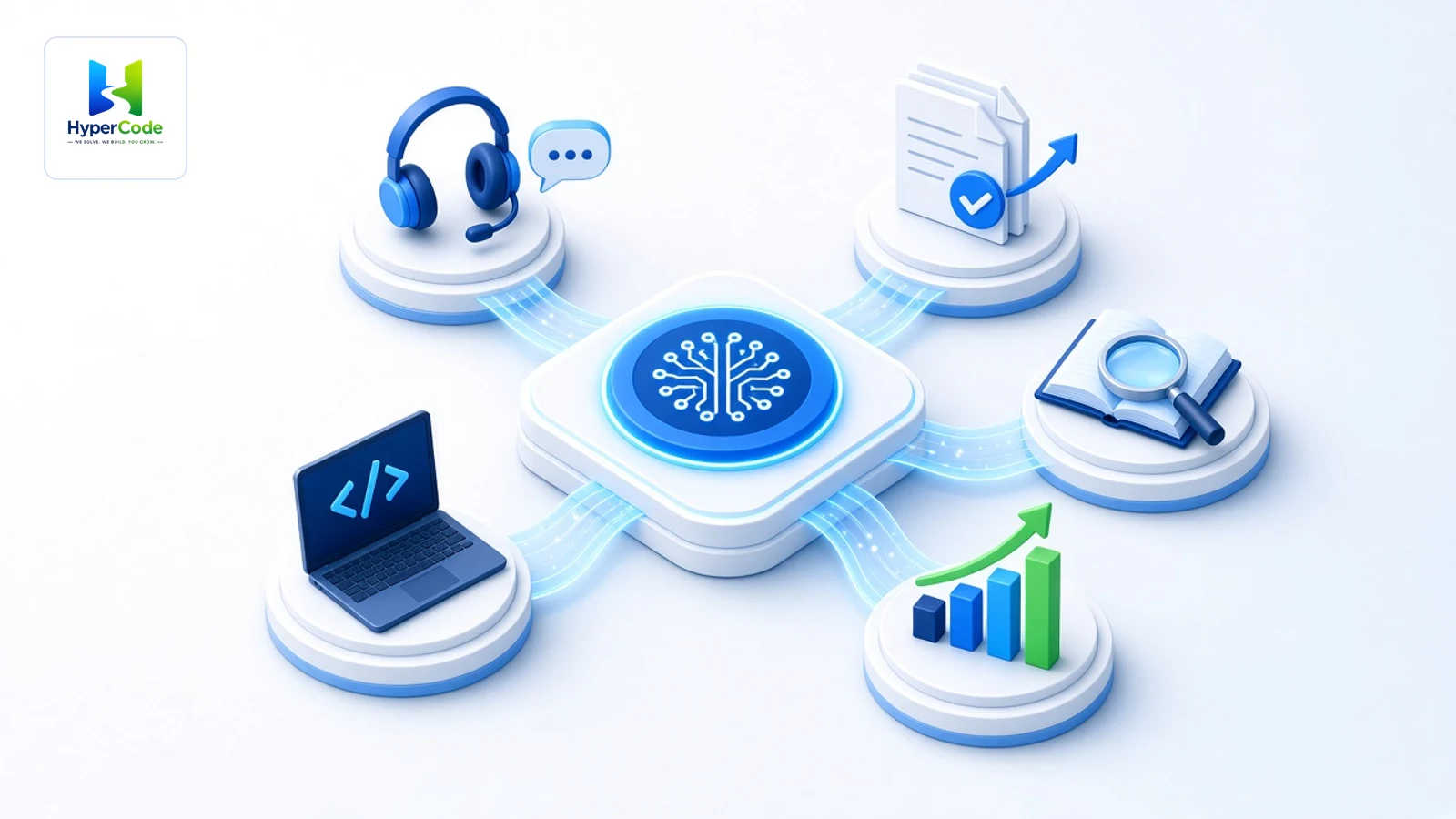
Where AI Becomes Part of the Enterprise
A practical guide to where enterprise AI software creates measurable business value.
The five use cases at a glance
Where AI becomes part of the enterprise

Enterprise
AI
Introduction
Artificial intelligence is moving from isolated experiments into the software and workflows that run modern enterprises. In 2026, the opportunity is no longer simply to add a chatbot.
The real opportunity is to connect AI to trusted data, business systems and repeatable workflows, so employees and customers can get work done faster and with better context. AI becomes part of customer service, operational processes, analytics, development environments and the systems employees use to find information and make decisions.
The shift
From AI experiment to business value
AI experiment
Connected enterprise AI
Business value
For organizations, the question is therefore not simply whether AI can be used. The more useful question is where AI can create measurable value without compromising security, governance, reliability or the human judgment that critical business processes require.
The strongest enterprise use cases usually solve a defined business problem, occur frequently enough to matter, have usable data, integrate with existing workflows and have measurable outcomes.
Use case checklist
Five signs of a valuable enterprise AI use case
A clear business problem and owner
Reliable and accessible data
A practical fit with existing workflows
Defined security, privacy and governance
A measurable business outcome
The strongest enterprise AI use cases fit the way the business already works.
Each of the five use cases below connects AI to a specific kind of business work. Select a card to jump to the detailed explanation and workflow diagram.
Use case 01
Enterprise customer service is moving beyond basic FAQ chatbots. AI systems can now understand requests, retrieve information, assist employees, classify cases, route work and, when appropriately integrated and governed, take actions across business systems.
A well-designed solution works as part of the wider service environment rather than as a separate chatbot. It connects knowledge bases, customer records, case-management tools and workflow systems so the right information is available at the right moment.
Customer service AI workflow
How an AI-enabled service request moves through the business
Routine request
Complex request
Connected systems
Customer interactions generate a continuous stream of information about needs, recurring problems and service patterns. When that information is connected to the right systems, AI can help turn individual conversations into useful operational signals, while keeping employees involved where context, empathy or judgment matters most.

24/7 conversational support
Agent assistance
Case summaries
Intelligent routing
Knowledge retrieval
Human escalation
Because customer service is high-volume, organizations can measure the effect through response time, resolution, customer experience, service consistency and employee productivity.
Use case 02
Enterprises process invoices, contracts, claims, applications, forms, reports and other documents every day. AI can extract information, classify documents, summarize content, identify exceptions and route work to the correct employee or system.
The important distinction is that document intelligence becomes part of a workflow. Instead of simply reading a file, the system helps determine what should happen next, while approvals, exception handling, auditability and access controls remain part of the process.
Document processing workflow
AI does not just read the document. It moves the work forward.
Standard case
Exception detected
Runs alongside
Human oversightAuditabilityAccess controlApprovals
The value comes from connecting document understanding to the workflow, approvals and systems that act on it.
Use case 03
Enterprise knowledge is rarely stored in one place. Policies, procedures, project documents, technical documentation, knowledge bases, applications and internal expertise can all contain information employees need to do their jobs.
An enterprise knowledge assistant provides a natural-language interface to approved information: employees ask in plain language instead of searching across multiple systems. Behind the scenes, a retrieval layer finds the relevant approved content before an answer is prepared.
Knowledge assistant architecture
From an employee question to a trusted, source-aware answer
Confident and authorized
Restricted or uncertain
Designed in from the start
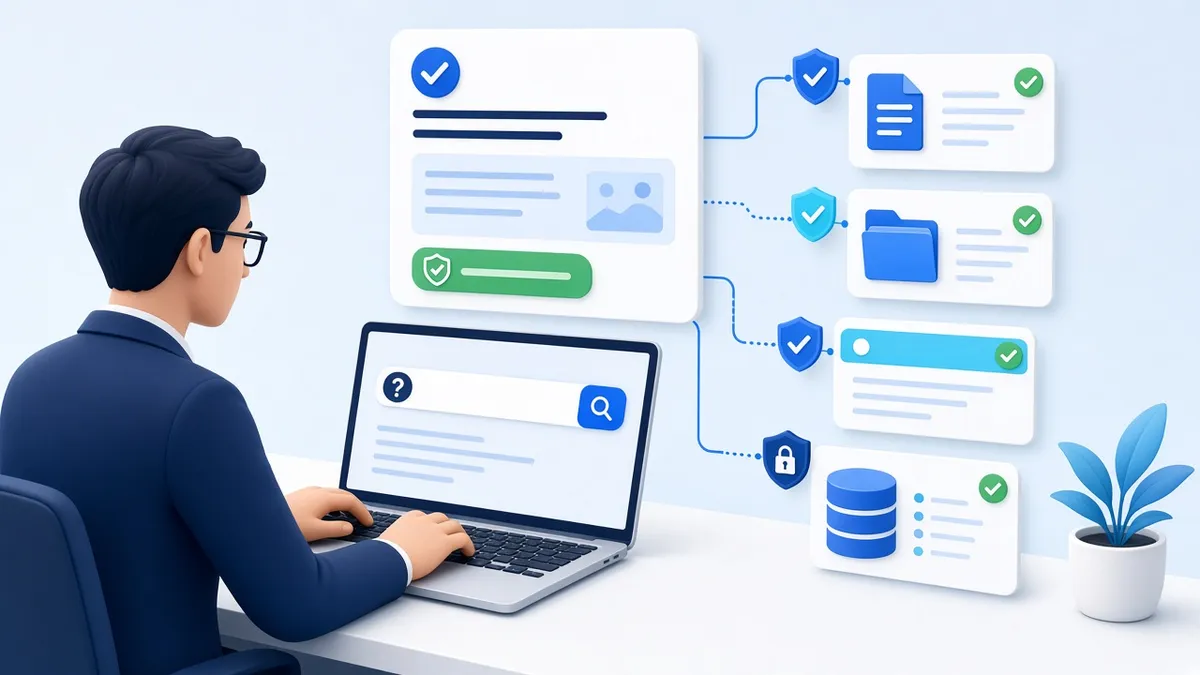
Production readiness
What a production-ready knowledge assistant should do
Search approved internal knowledge
Summarize long documents
Answer policy and process questions
Provide source-aware responses
Escalate uncertain or restricted requests
The objective is not simply to generate an answer. It is to make approved enterprise knowledge usable reliably and responsibly, which is why trusted sources, access controls, retrieval architecture, monitoring and human oversight matter.
The value is not just finding information. It is making trusted knowledge usable at the moment work requires it.
Use case 04
AI is becoming an important part of software engineering. Coding assistants and development agents can help generate code, explain systems, create tests, document software, analyze legacy code and accelerate repetitive development tasks.
These tools are most useful when they augment engineers. They do not remove the code review, testing, security, deployment controls and human accountability that production systems require.
AI-assisted development loop
AI accelerates the work. People stay accountable.
Feedback returns to the engineer and the loop repeats

For IT operations, similar capabilities support incident summarization, classification, knowledge retrieval and recommendations. The engineer still reviews the suggestion and owns the resolution.
IT operations flow
From incident to documented resolution
Use case 05
The next step beyond dashboards is helping business users ask questions, discover patterns, summarize performance and support decisions using governed enterprise data.
Applications include natural-language business intelligence (asking questions of data in plain language), sales and demand forecasting, anomaly and exception detection, executive performance summaries, and predictive risk or operational analytics.
Decision intelligence
AI supports the decision. People make it.
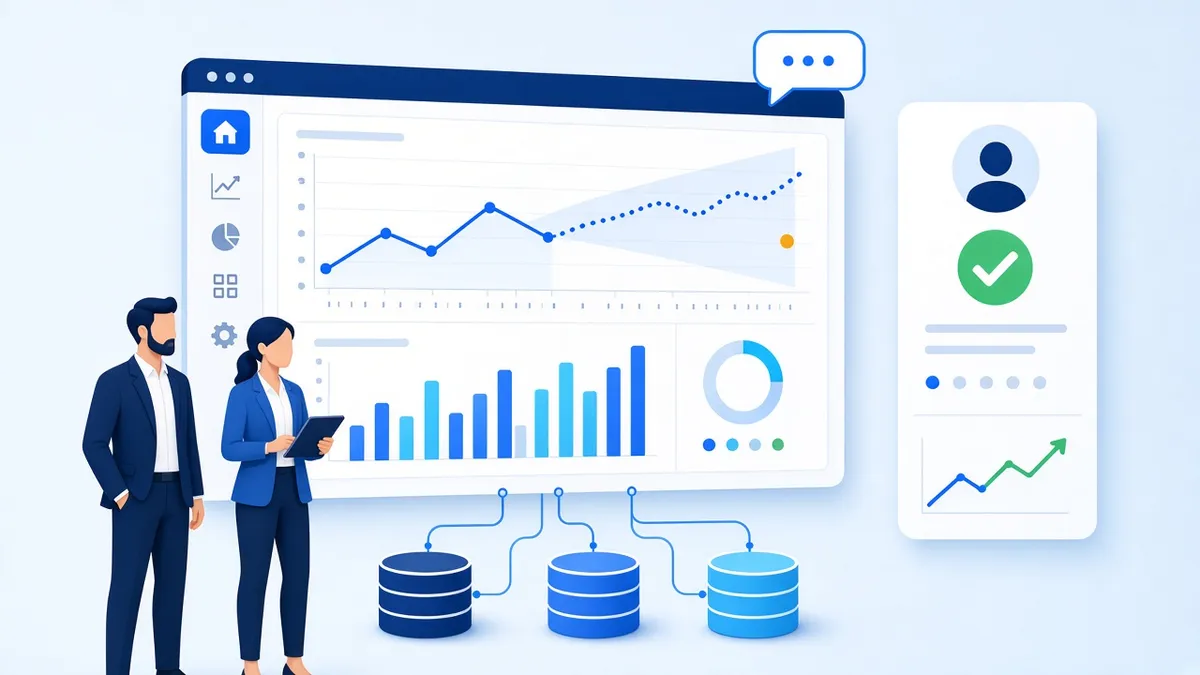
AI becomes much more valuable when it is connected to reliable business data and existing analytics workflows.
Seen side by side, each use case pairs an AI role with connected systems and a clear human role.
Choosing
The best starting point is not necessarily the most sophisticated AI application. It is the one where the business problem is meaningful, the workflow occurs often enough to matter, the data is usable, and the organization can manage the associated risk.
Before investing
Six questions to ask before investing
What measurable outcome can improve?
How often does the workflow occur?
Is the required information accessible and reliable?
Which systems must connect?
What privacy, security, compliance or accuracy risks exist?
Where should people review or approve AI output?
Scaling
A successful pilot is not automatically an enterprise-ready system. Moving to production is a series of deliberate steps, each one building the evidence needed for the next.
Pilot to production
Seven steps from AI pilot to enterprise production
Know today’s cost, time or quality before you start.
Test with a limited scope and clear boundaries.
Compare outcomes against the baseline.
Confirm access, privacy and oversight controls.
Connect to the applications and data that run the business.
Track accuracy, reliability, usage and cost over time.
Expand based on measured results, not enthusiasm.
Before scaling, evaluate
A successful pilot is not automatically an enterprise-ready system.
Most of these mistakes are avoidable when the use case is chosen and scaled deliberately.
Starting with a technology instead of a business problem
Using poor-quality or inaccessible data
Ignoring existing workflows and systems
Skipping security and governance
Measuring activity instead of business outcomes
Automating high-risk decisions without adequate human oversight
How HyperCode helps
HyperCode brings AI and automation together with custom applications, business intelligence, data analytics, data warehousing, cloud and DevOps, and digital transformation. That integrated model matters because enterprise AI rarely operates as a standalone product.
High-value solutions often connect models with applications, data platforms, APIs, security controls and existing business processes.
HyperCode capabilities
Connected capabilities for enterprise execution
HyperCode execution model
The foundation is broader than the AI model itself. Data needs to be accessible and governed, applications need to connect to the right systems, security and permissions need to be designed into the workflow, and the operating model needs clear ownership for monitoring, improvement and responsible use.
Related services: AI workflow automation, custom software development, business intelligence, data warehousing, cloud migration and digital transformation consulting.
Use these six questions to test any AI idea before it moves forward.
Baseline metric:
Final takeaway
The most valuable enterprise AI software in 2026 is not necessarily the most sophisticated model. Value comes from a solution that:
Fits a real workflow
Uses trusted data
Integrates with existing systems
Protects sensitive information
Produces measurable business outcomes
For many enterprises, strong starting points include customer service, document and workflow automation, knowledge assistance, software engineering and AI-powered analytics. Organizations can then expand into more complex decision-support applications as their data, governance and operating models mature.
AI creates enterprise value when intelligence becomes part of the work, not another tool sitting beside it.
For the strategy behind these use cases, read How to Build an Enterprise AI Strategy and Choosing the Right Enterprise AI Platform for Scale.
HyperCode
Technology Consulting
HyperCode is a Schaumburg, Illinois-based technology consulting and engineering company founded in 2014.
HyperCode connects AI and automation with custom applications, data, cloud and existing business systems, so intelligence becomes part of the work.
A business-led guide to moving from AI opportunity to practical, secure and scalable enterprise execution.
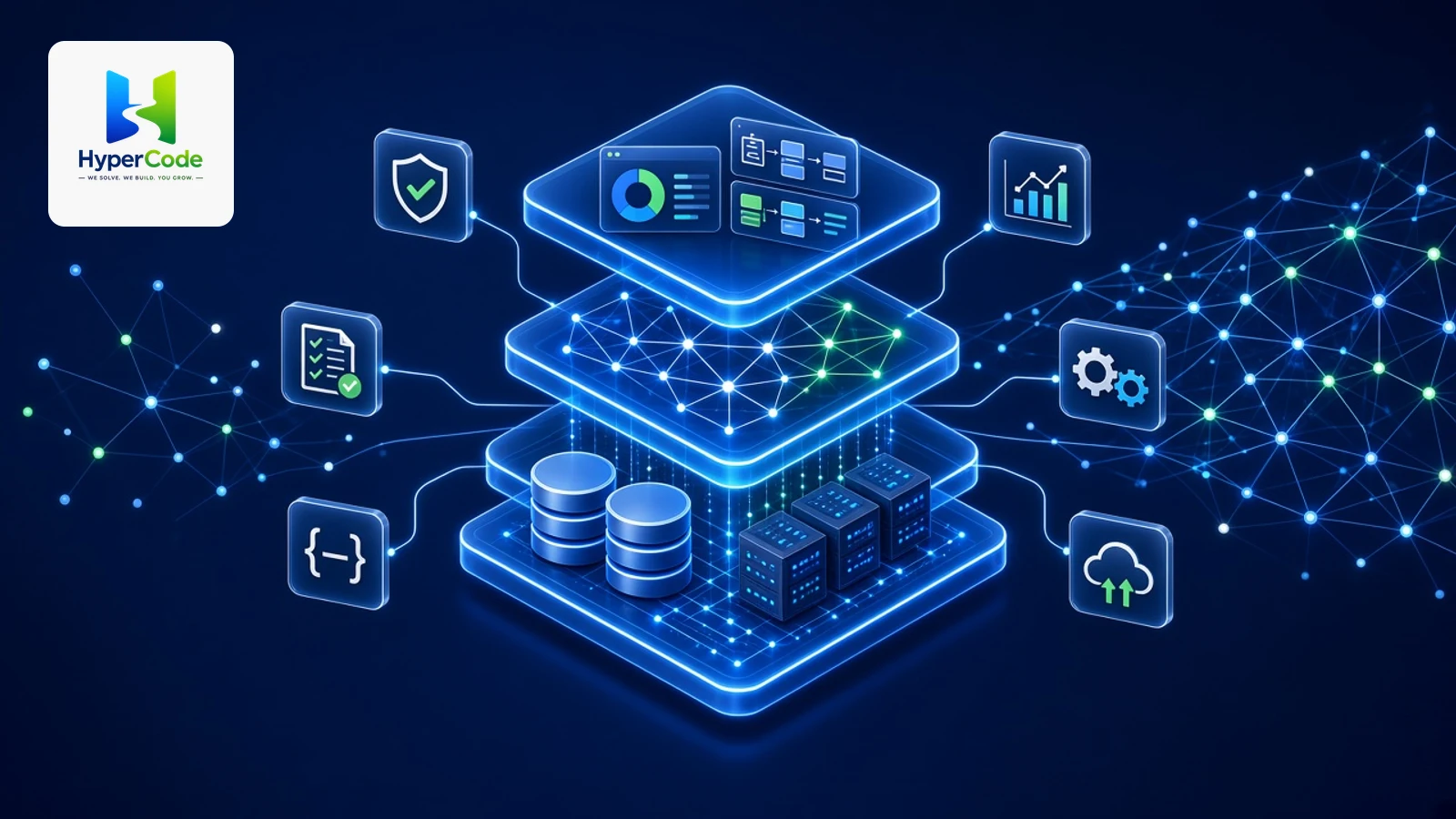
A practical guide to choosing an enterprise AI platform that can scale with your business across data, security, integration, governance, flexibility, performance, and cost.
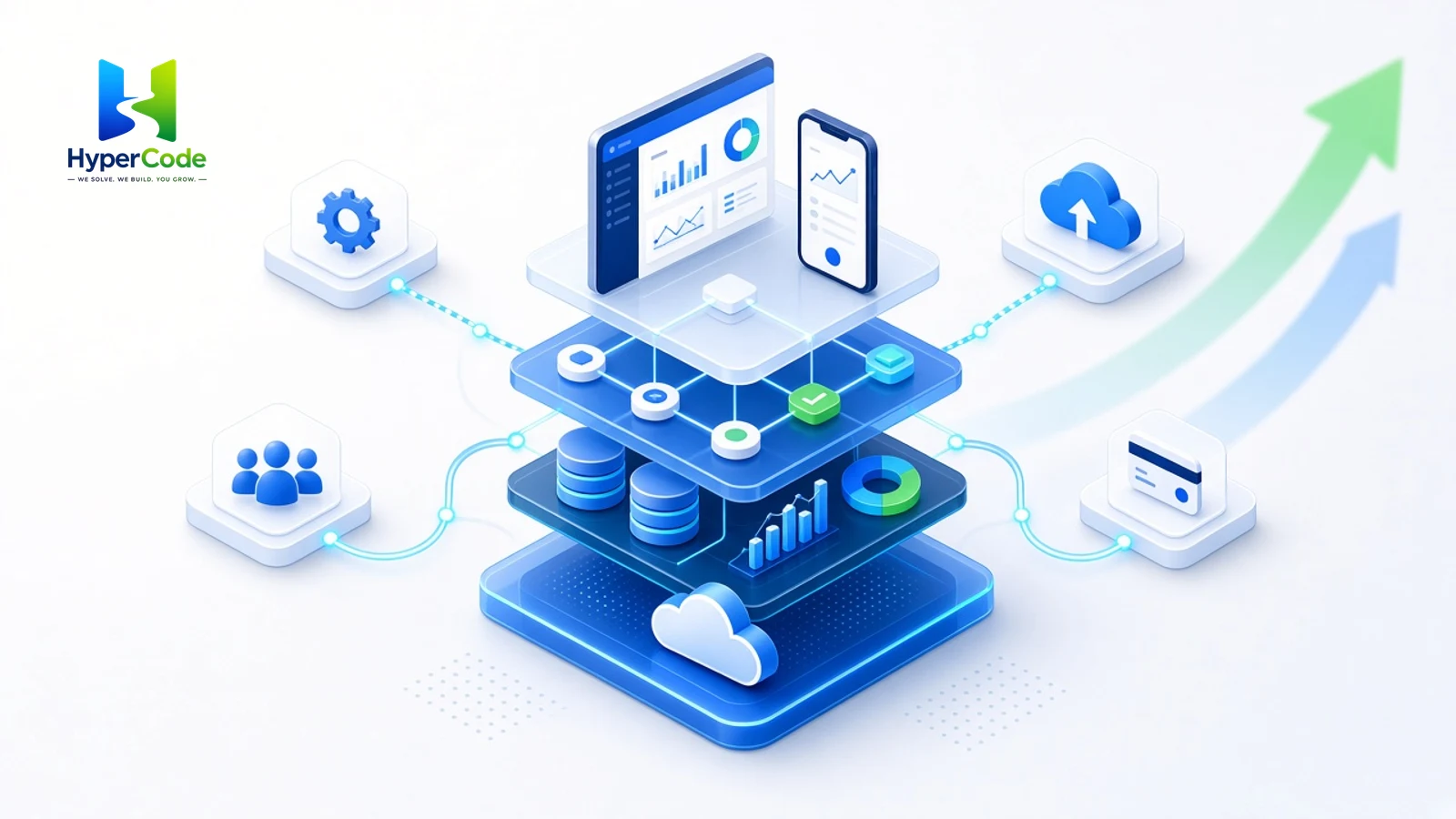
How purpose-built enterprise software helps organizations connect systems, automate workflows, modernize operations and create a scalable foundation for growth.

How organizations can use generative AI to improve operations, strengthen decision-making, accelerate innovation, and build secure, scalable AI capabilities.

A practical enterprise guide to healthcare AI automation, secure architecture, governance, clinical support, predictive analytics, and responsible implementation.